
Quick Summary: Crypto wallet security is layered, and no single feature guarantees safety, so the article ranks nine features by how well they stop common loss scenarios. Private-key isolation ranks first because it sharply reduces remote key theft, followed by secure element chips, clear signing, and PIN controls. The guide advises matching the wallet to your use case, testing with small amounts, and verifying recovery before depositing. For shared funds, multisignature approval is recommended so one stolen key cannot move money alone.
A wallet can have a secure chip and still lose your funds. Malware can swap the recipient address, an app can approve unlimited token spending, and a poorly stored recovery phrase can hand over everything. Most people compare crypto wallets on coins, screens, and price while missing the controls that guard keys, verify transactions, resist tampering, and restore access after loss. This guide ranks nine security features worth checking in any wallet. Each one is scored on how well it stops common loss scenarios, whether you can verify it yourself, how much it limits a single mistake, and how it holds up across hardware, software, and multisig setups.
Crypto Wallet Security Features at a Glance
| Security feature | Best for | Main threat addressed | Protection type | Key limitation |
|---|---|---|---|---|
| Private-key isolation | Long-term holders and self-custody users | Remote key theft and malware | Preventive | Does not stop phishing or malicious approvals |
| Secure element or hardware-backed key storage | High-value holdings and physical theft resistance | Device extraction and brute force | Hardware defense | Certification does not validate the whole wallet |
| Clear signing and secure transaction display | DeFi users, traders, and NFT users | Malware and blind signing | Verification | Not every chain or dApp supports readable details |
| Strong PIN, passphrase, and lockout controls | Users concerned about device loss or theft | Unauthorized physical access | Authentication | Forgotten credentials can block recovery |
What to know about crypto wallet security
Crypto wallet security is layered. No single feature or badge keeps your funds safe on its own. Strong crypto wallets protect your private keys, show you what a transaction really does, block unwanted access, and give you a way to recover if things go wrong.
Why does this matter now? Phishing links, fake approvals, and drained accounts hit beginners and traders alike. The wallet you pick shapes which of these attacks can even reach you.
The right setup depends on how you use your funds: daily spending, active DeFi, long-term storage, or shared accounts.
1. Private-key isolation
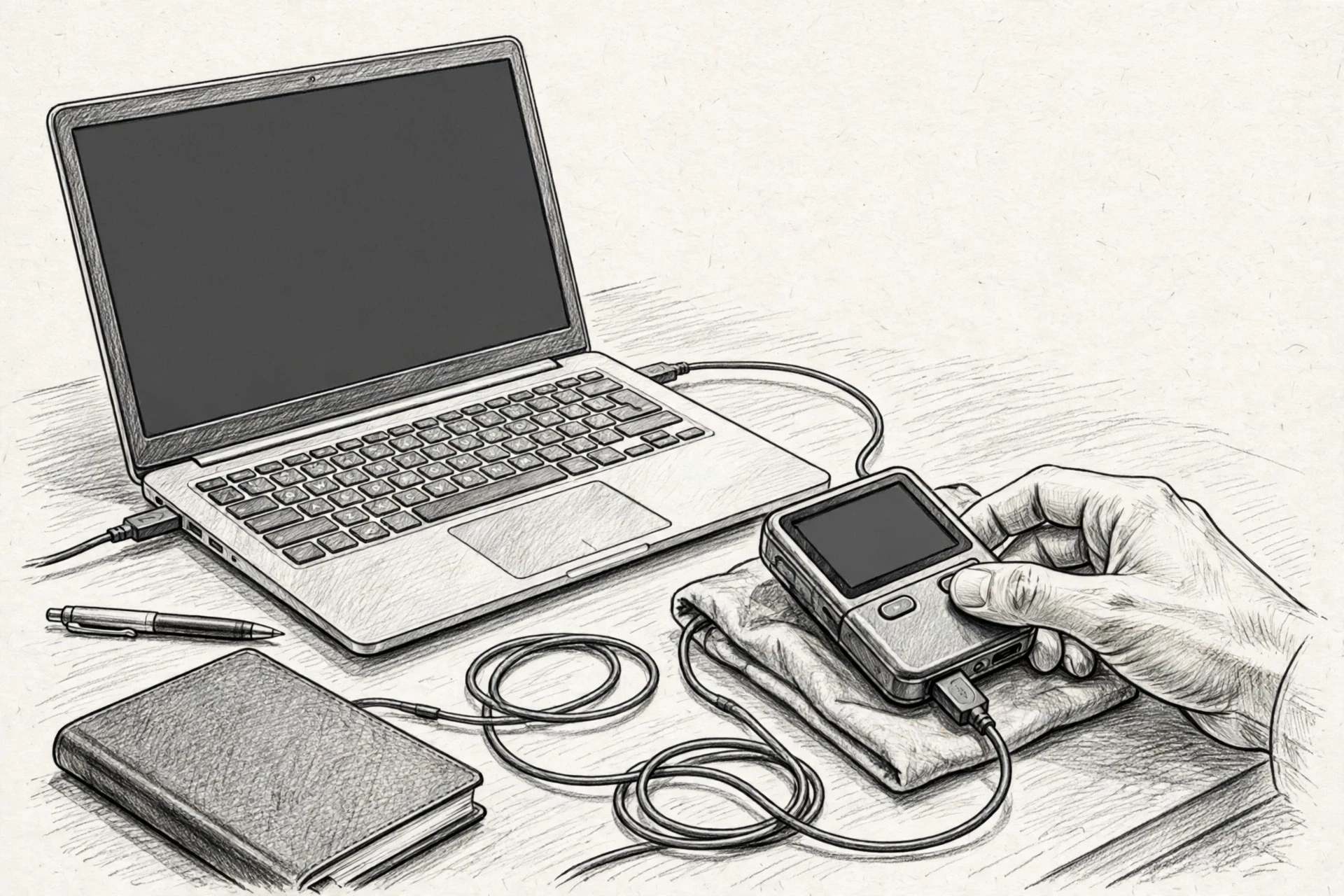
Private-key isolation keeps your keys offline or inside a protected signing environment. It matters most because anyone who grabs your key or recovery phrase can usually drain your funds.
Highlights
- Cuts exposure to malware, browser exploits, and keyloggers
- Supports self-custody when you control the recovery phrase
- Makes your internet-connected device an untrusted coordinator, not the signer
Specs
- Best for: Long-term holders and self-custody users
- Main threat addressed: Remote key theft and malware
- Protection type: Preventive
- Key limitation: Does not stop phishing or malicious approvals
Pros
- Limits direct exposure of signing keys
- Works across many wallet designs
- Strong foundation for cold storage
Cons
- Setup and recovery take more effort
- No help if your recovery phrase leaks
- You must still verify what you sign
Why it ranks #1: A wallet cannot compensate for keys routinely exposed to infected devices. Isolation does not stop phishing, but it sharply reduces remote key theft.
Last updated: September 18, 2026
Also Read: Discover 1000x Altcoins: Barsik Coin & Pnut Coin Insights
2. Secure element or hardware-backed key storage
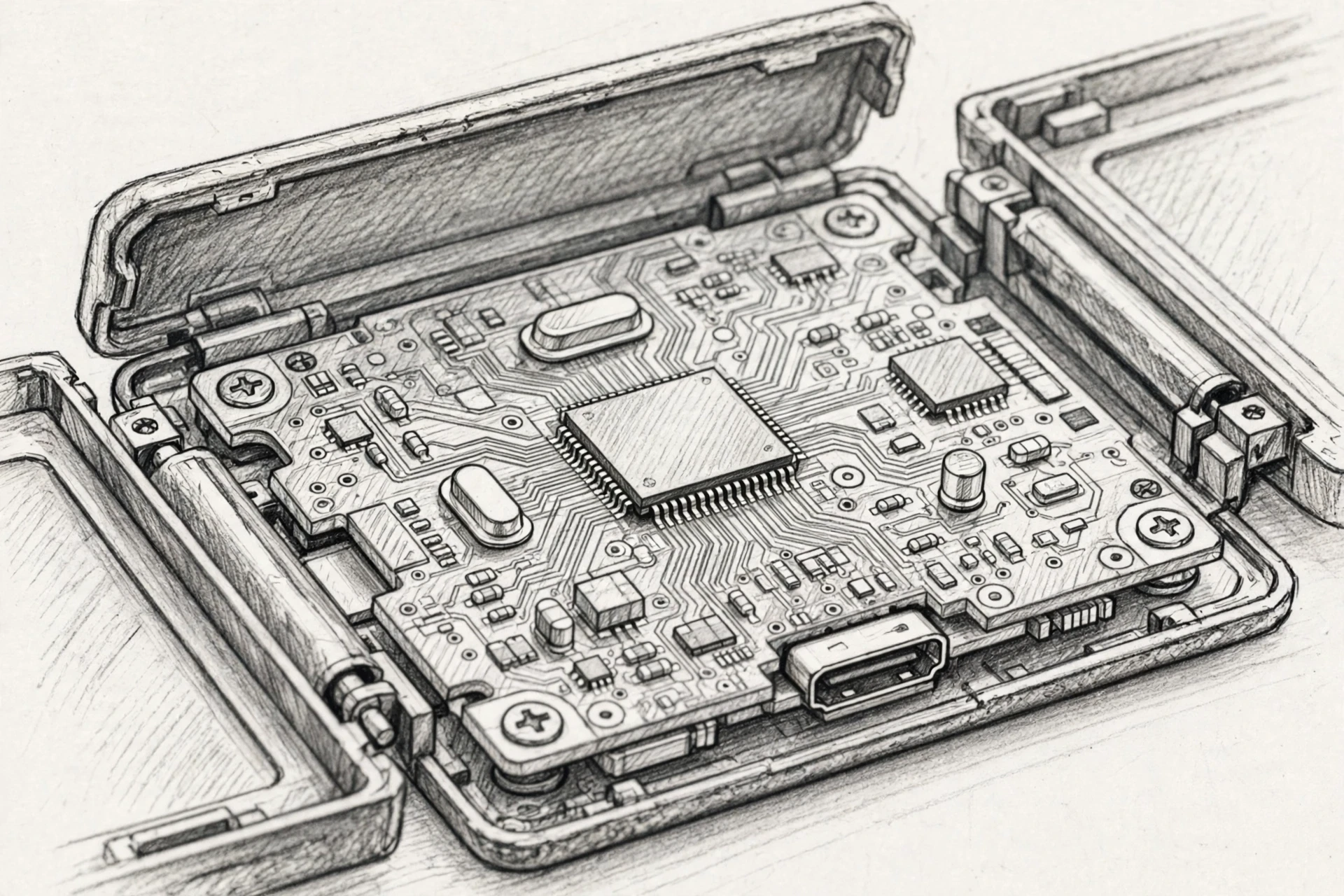
A secure element is a tamper-resistant chip that stores or protects secrets, enforces PIN attempt limits, and adds trusted randomness during wallet creation. Designs vary: single chips, dual secure elements, or layered architectures. If someone steals your device, this is the hardware wall they hit.
Highlights
- Enforces PIN attempt limits in hardware, so guessing stops after a set number of tries
- Can detect tampering and resist invasive physical attacks
- Contributes trusted randomness when your wallet is created
Pros
- Adds a dedicated physical security boundary
- Supports device authenticity checks
- Certification like EAL6+ on Trezor Safe devices shows the chip itself was tested
Cons
- Certification does not validate the whole wallet, only the chip
- A compromised recovery phrase bypasses the device entirely
- Hardware claims are hard for buyers to verify; check what the chip protects and how recovery works after a reset, as Trezor’s Safe 7 design documents openly
It ranks here because physical attacks are rarer than phishing, but stolen high-value devices deserve hardware-level defense – and this matters most when key isolation and backups are already solid.
Last updated: September 18, 2026
Also Read: Crypto Wallet Security Guide: Protect Your Assets From Common Threats
3. Clear signing and secure transaction display
Clear signing means the wallet shows what you are really approving: network, recipient, asset, amount, fee, and contract scope on a trusted screen. Even if your computer is infected, the signing device stays a second source of truth. Rule of thumb: what you see is what you sign.

Highlights
- Catches altered recipient addresses and amounts
- Reduces blind signing of unreadable contract data
- Makes the signing device a second source of truth
Specs
- Best for: DeFi users, traders, and NFT users
- Threat addressed: Malware and blind signing
- Protection type: Verification
Pros
- Catches changes made by an infected computer
- Improves informed consent on complex smart contracts
Cons
- Users must actually read the details
- Some transactions remain opaque; a legitimate-looking contract can still be malicious
It ranks here because many losses happen after malware edits a transaction, though not every chain or dApp supports readable details.
Last updated: September 18, 2026
Also Read: Crypto Cobra Blog: Crypto News, Reviews & Market Insights
4. Strong PIN, passphrase, and lockout controls
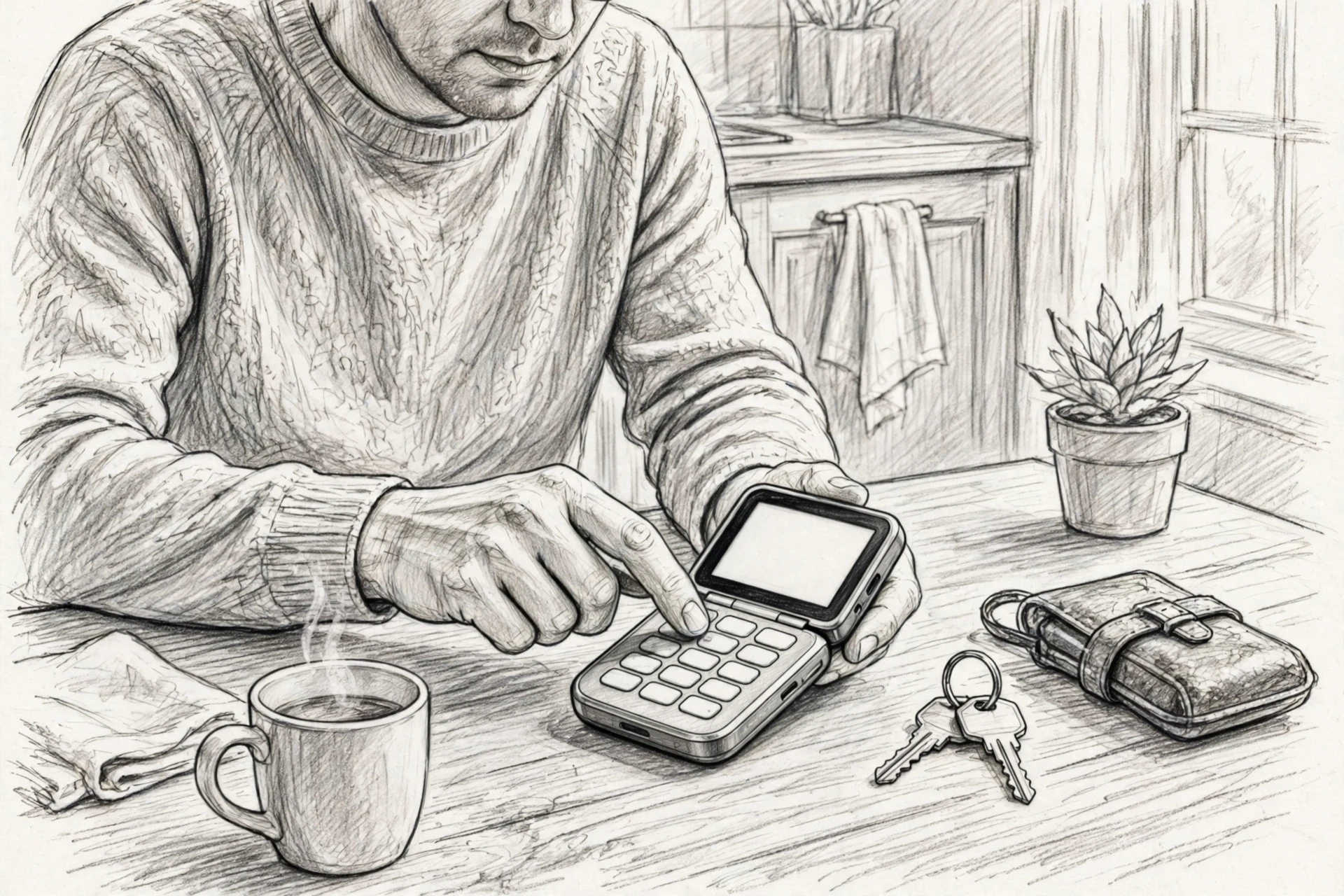
A strong PIN stops someone from casually opening a lost or stolen device. Hardware-enforced lockouts can also slow down repeated guessing attacks. An optional passphrase goes further, deriving a separate wallet from the same recovery seed, though it adds one more thing you must back up.
Highlights
- Limits unauthorized use of a stolen device
- Can create separate wallets for different risk levels
- On-device entry reduces exposure to computer keyloggers
Pros
- Simple first line of defense
- Can support hidden or separate wallets
- Hardware lockouts slow brute-force attacks
Cons
- Weak PINs reduce the benefit
- Passphrases create backup complexity
- Does not stop an attacker who has the recovery phrase
Specs
- Best for: Users concerned about device loss or theft
- Main threat addressed: Unauthorized physical access
- Key limitation: Forgotten credentials can block recovery
It ranks here because access controls are widely useful, but they protect the device, not the entire ownership model.
Last updated: September 18, 2026
The Remaining Security Features
The first four features form your strongest foundation. These five add useful layers for specific risks.
- Multisignature or threshold approval – Multiple approvals mean one stolen key cannot move funds alone.
- Air-gapped transaction signing – QR codes or microSD transfers cut direct connectivity exposure.
- Open-source code, audits, and reproducible builds – Public code makes security easier to verify.
- Secure backup and recovery controls – Encrypted, tested backups protect against loss and damage.
- Transaction simulation, scam detection, and approval warnings – Pre-signing alerts expose risky contracts, but no tool guarantees safety.
How to choose the right crypto wallet security setup
Match the wallet to the funds: keep small spending amounts in a hot wallet, and store meaningful holdings offline or behind multisignature approval.
- Key handling: pick designs that keep private keys off internet-connected devices and say clearly whether keys can be exported.
- Test first: send a small amount and check that the device displays recipients, amounts, fees, networks, and token approvals.
- Recovery: record backups offline, keep copies apart geographically, and run a small restore test before depositing.
- Evidence: look for public code, independent audits, bug bounties, and documented limitations.
- Shared funds: use multisignature so one lost or stolen key cannot move money alone.
For ongoing guidance on comparing setups, Crypto Cobra breaks down wallet security in plain terms.
Don’t trust a wallet you haven’t checked. Compare the 9 security features on Crypto Cobra and protect your funds today.
Frequently Asked Questions
Q1: List the most important security features buyers should look for in crypto wallets.
Focus on secure element chips, open-source code, multi-signature support, PIN protection, passphrase options, and backup tools like recovery seed support.
Q2: Do I need both a hardware and a software wallet?
Most people do. Keep long-term savings on a hardware wallet and small trading amounts in a mobile or browser wallet for quick access.
Q3: What happens if I lose my hardware wallet?
Your funds stay safe. Restore them on a new device using your recovery seed phrase. Store that phrase offline, never as a photo or cloud note.
Q4: Are open-source wallets safer?
Usually, yes. Anyone can audit the code, so hidden flaws get found faster. Closed-source wallets force you to trust the maker completely.